
Overview
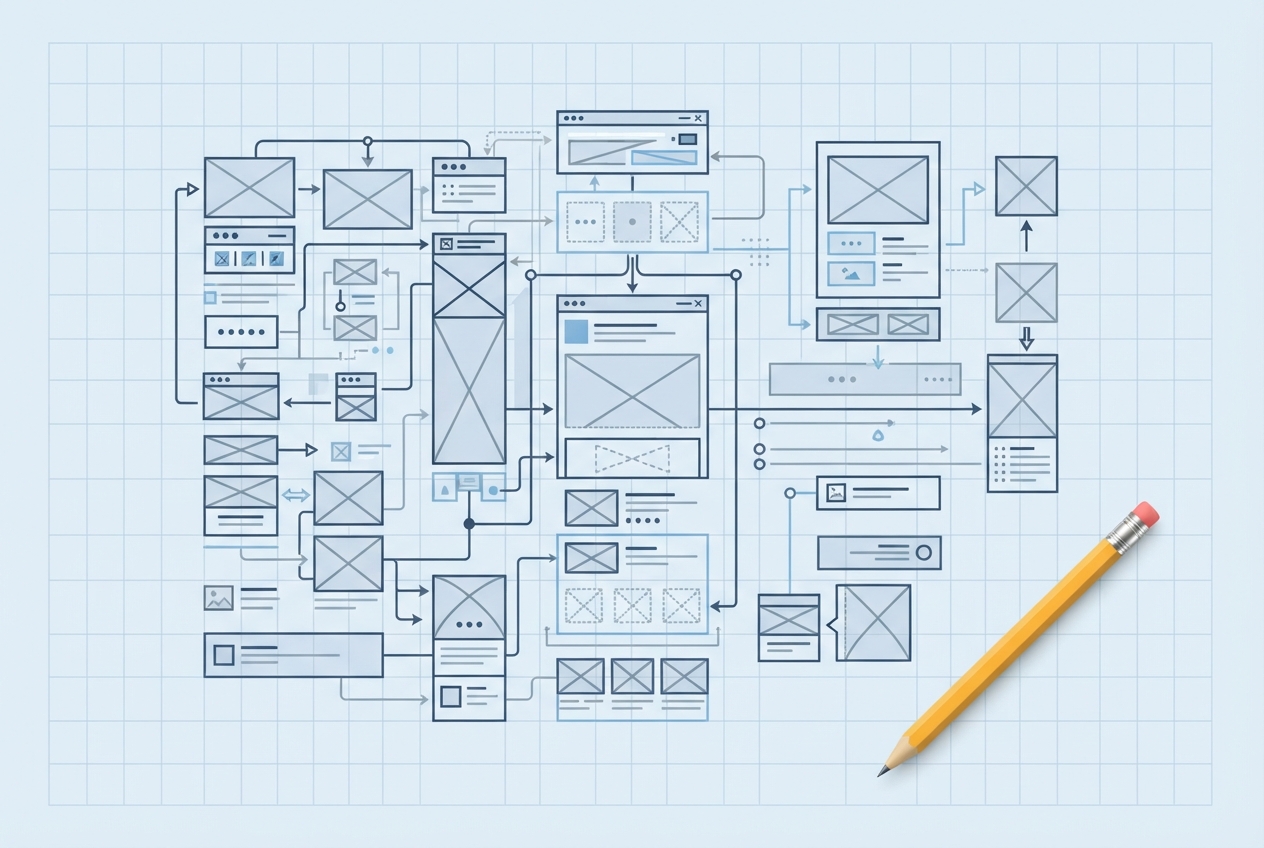
Pencil is a free, open-source, desktop wireframing and prototyping tool for macOS, Windows and Linux. It is aimed at developers, UX designers and product teams. You draw mockups, system diagrams and user flows on a vector canvas using stencil libraries. The project site is pencil.evolus.vn and the code is on GitHub.
What’s new in 4.0: MCP support
Pencil 4.0 adds native support for the Model Context Protocol (MCP). An AI assistant or client that supports MCP can inspect, create and change wireframes on your canvas using plain-language requests. The README names Claude Desktop, Cursor, Antigravity and VS Code as examples.
- Local server: Pencil runs an MCP server inside the app at
http://127.0.0.1:1919/mcp. The README says it needs no extra background services or cloud setup. - Local-first: per the README, document data and MCP requests stay on your own machine over the loopback address, with no cloud sync, third-party analytics or telemetry.
- Editable vector shapes: the AI creates real vector shapes you can resize and restyle, not flat images.
- Visual check: a preview tool (
render_preview) lets the assistant look at the rendered canvas and correct spacing or alignment. - Stencils and icons: the assistant can query installed stencil libraries (shadcn/ui, Bootstrap, Material Design, iOS, flowcharts) and search icon sets (Tabler, Lucide, FontAwesome).
How to get started
- Download the installer or package for your system from the Pencil downloads page or GitHub Releases.
- Open Pencil and start drawing with the built-in stencils.
- To use an AI assistant, go to Settings > MCP, choose your assistant’s tab and click Copy Configuration. Paste it into your client’s config. The README also lists manual snippets for each client.
- To check the server is up, run
curl -I http://127.0.0.1:1919/mcp.
Example prompts from the README
- “Use the shadcn/ui stencil collection to build a standard SaaS authentication screen with an email input, password field, ‘Remember me’ checkbox, and primary submit button.”
- “Create a three-tier pricing comparison table (Free, Pro, Enterprise) on the active page, highlighting the Pro tier.”
- “Inspect the current canvas preview for contrast issues or overlapping elements and adjust misaligned bounds.”
The README suggests naming the stencil library in your prompt, so the assistant reuses standard components.
Who it’s for
- Developers who want quick mockups without a paid design subscription.
- Designers who want an offline, local-first tool.
- Teams that want to try AI-assisted layout while keeping files on their own machines.
FAQ
Is Pencil free?
Yes. The README describes it as free and open source.
Which systems does it run on?
macOS, Windows and Linux.
Do I need an AI assistant?
No. The MCP part is optional.
Does it send my designs to the cloud?
The README says no. Your AI client may do so separately, so check its own settings.
Note: these details come from the project’s README. This is the Pencil Project by evolus, not other tools with similar names.
Sources: Pencil on GitHub, Pencil Project
Discover more from Juzhax Technology
Subscribe to get the latest posts sent to your email.